Instagram Fonts Generator
Style your Instagram bio, captions and comments with fancy Unicode text that works everywhere.
Type your text
Your Instagram fonts
Live bio preview
How your text would look in an Instagram profile bio. Pick a style to preview it here.
How Instagram fonts work
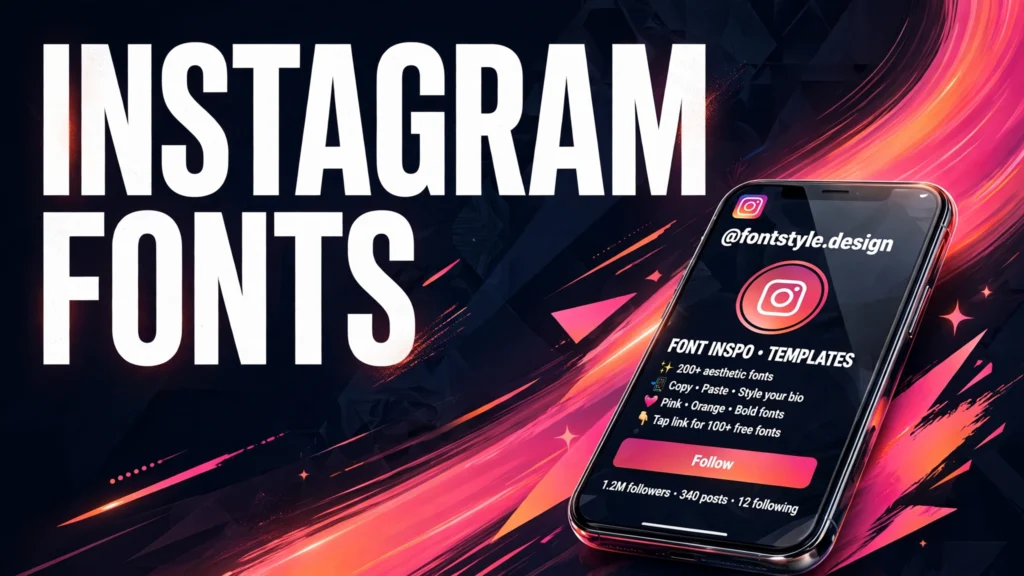
This free Instagram fonts generator turns plain text into stylish Unicode characters that look like different fonts. It is made for Instagram bios, captions, comments and stories. There is no sign-up, nothing to install, and everything runs in your browser, so your text never leaves your device.
What is an Instagram fonts generator?
An Instagram fonts generator is a free online tool that converts ordinary letters into decorative Unicode characters, such as bold, script, gothic and circled letters. You type normal text, pick a style, and copy the result. Because the output is plain text made of special characters, you can paste it into Instagram, TikTok, Discord and almost any other app.
How do I change my Instagram bio font?
Type the words for your bio into the box above, choose a style you like, and tap its Copy button. Open Instagram, tap Edit profile, tap the bio field, and paste the styled text. Instagram treats these characters as normal text, so they appear in your profile exactly as copied. Bios are limited to 150 characters, and every styled letter still counts toward that limit.
Which fonts work best for an Instagram bio?
Bold and script styles are the most popular for bios, because they are easy to read and stand out in a short line of text. Monospace suits usernames and tech pages, while circled letters work for lists and dates. If a style shows as blank boxes on a device, switch to bold, which is supported almost everywhere.
Do Instagram fonts work in captions and comments?
Yes. Styled text works in captions, comments, story text and direct messages, because Instagram treats these characters as ordinary text. Use fancy styles for short lines and the first sentence of a caption, and keep longer paragraphs in plain letters so everyone can read them easily.
Will fancy fonts hurt my Instagram reach?
There is no evidence that styled text changes how Instagram ranks a post. What matters is that people can read your bio and captions easily, so use fancy styles for names and short lines, and keep longer text plain.
Why do some letters stay normal in a style?
Some Unicode styles do not define characters for every letter, digit or symbol. When a character has no styled version, the generator leaves it unchanged, so your words stay readable instead of losing letters.
Can I use these fonts on TikTok and Discord too?
Yes. These are Unicode characters, not a font file, so they work in any app that supports Unicode text, including TikTok, Discord, WhatsApp and Facebook. A style that looks perfect on Instagram will usually look the same on other apps.
Frequently asked questions
Is the Instagram fonts generator free?
Yes. The generator is completely free, with no sign-up, no account and no limits on how many styles you create. It runs entirely in your browser, so there is nothing to download and nothing to pay for.
Will these fonts work on every phone?
They work on almost every modern phone, including iPhone and Android, because those devices support Unicode text. Very old phones may show some styles as blank boxes, in which case a simpler style such as bold usually works.
Can I use fancy fonts in my Instagram username?
Most platforms only allow plain letters, numbers, periods and underscores in usernames, so fancy characters are usually rejected there. They work best in display names, bios, captions and comments, where almost any text is accepted.
Do I need an app to change my bio font?
No. This tool works in any mobile or desktop browser. Type your text, copy a style, then paste it into Instagram. There is nothing to install, and your Instagram account is never connected to this site.
How many characters can an Instagram bio hold?
Instagram bios hold up to 150 characters, and every letter, space and emoji counts toward that limit. Styled letters count as one character each, just like normal letters, so keep your bio short.
Why does my styled text look different on another phone?
Each phone draws Unicode characters with its own system fonts, so a style can look slightly different from one device to another. The letters stay the same, but their shape and weight can vary. Bold and monospace are the most consistent across devices.
Does this tool save what I type?
No. Everything runs in your browser, and nothing you type is uploaded, stored or shared. Closing the page erases your text from the page, and no account is needed to use any style.
More tools you may need
Want every fancy style, not just the Instagram ones? Try the Fancy Font Generator. Counting characters for a bio? Use the Word Counter to stay under the 150-character bio limit.