
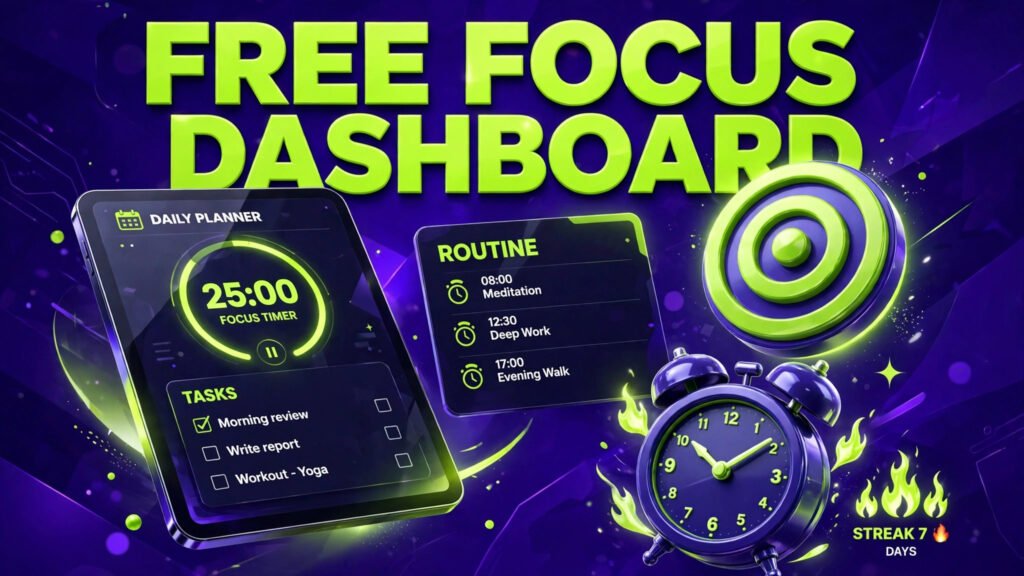
Focus Dashboard
 Launch Dashboard
🔖 Bookmark this page so you never lose your plan. Your focus data is saved privately in your own browser, and this bookmark brings you straight back to it. Keep enjoying the free stuff!
What is this free focus dashboard?
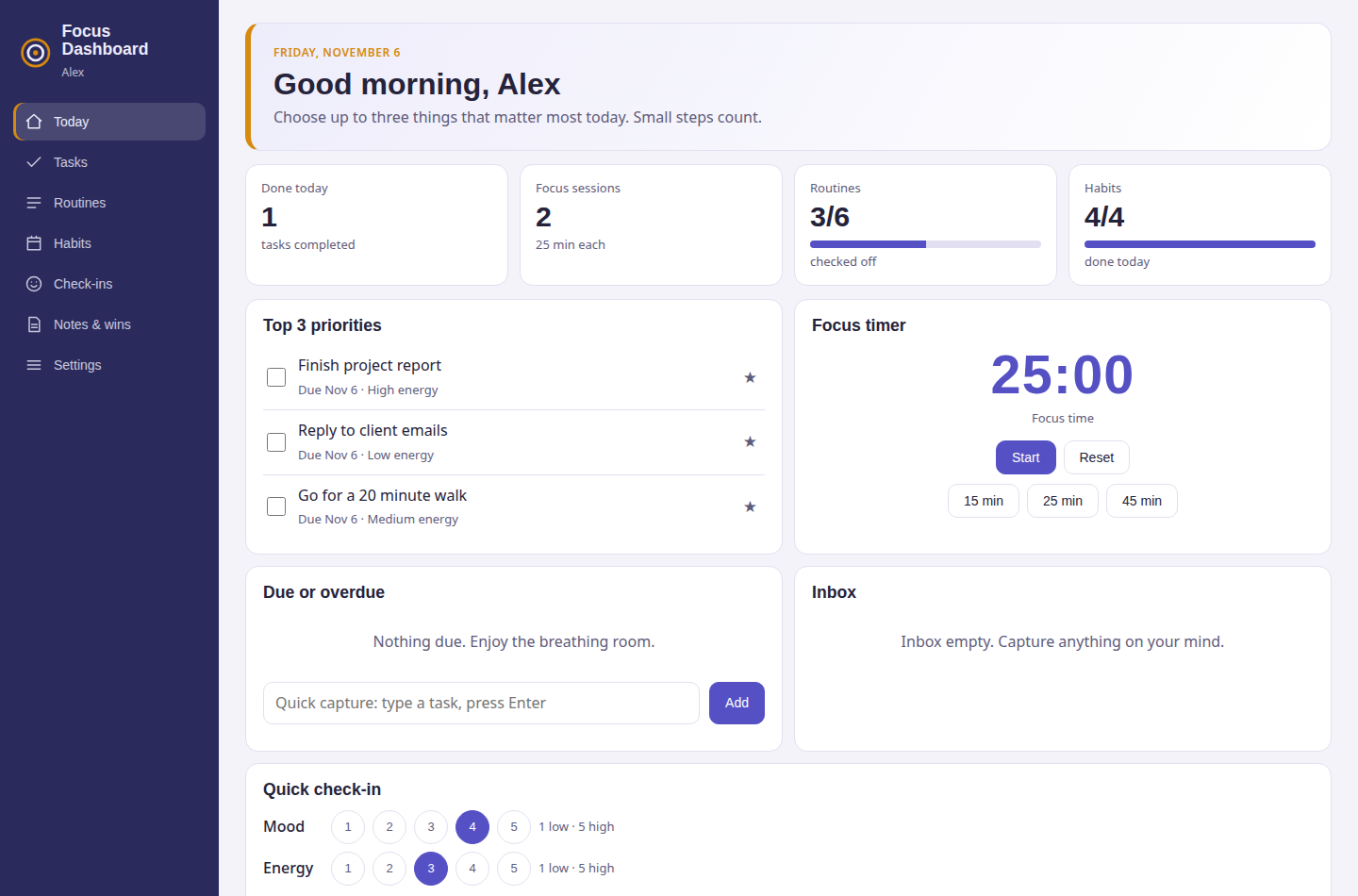
This free focus dashboard is a calm, ADHD-friendly daily planner that brings your tasks, routines, habits and a focus timer together on one screen, built around one simple idea: a short top-3 list for today beats a long overwhelming one. It is designed for busy and easily distracted minds, including ADHD brains: everything for today fits on one screen, every task shows the energy it needs, and nothing nags you with red overdue warnings. Instead of five apps and a pile of sticky notes, you get one focus planner that shows what matters today, what your routines ask of you, how your habits are going, and how your mood and energy move through the week.
What can you do with this focus planner?
- Today view: your whole day on one screen, your top tasks, your focus timer, the routine steps due now, your habits to check off and a quick mood and energy check-in.
- Task list with energy levels: every task carries the energy it needs, low, medium or high, so on a low-energy afternoon you can pick a low-energy task instead of stalling on a hard one.
- Morning and evening routines: simple step-by-step routines that reset every day, with gentle starter routines built in. Tick steps off as you go and build a rhythm that carries you.
- Habit tracker: a small set of habits you check off daily, with your recent days visible so streaks are easy to see and easy to restart without guilt.
- Focus timer: a built-in pomodoro-style timer, 25 minutes of focus and a 5 minute break by default, both adjustable. Finished sessions are counted on your Today screen.
- Check-ins and wins: log your mood and energy in seconds, and record your wins, however small, so hard weeks still show your progress.
How do you use this daily focus planner?
- Click the Launch Dashboard button above to open the planner, then open Settings and add your name and your preferred focus and break lengths.
- Each morning, add your tasks for the day and pick your top 3. Tag each task with the energy it needs.
- Work through your morning routine steps, then start a focus session for your first top task.
- Check off habits as you do them, and do the quick mood and energy check-in whenever it suits you.
- In the evening, finish the evening routine, write down one win from the day, and glance at tomorrow. Download a backup from Settings now and then to keep your data safe.
Does this focus planner save your data?
Yes. This online focus dashboard saves everything automatically in your own web browser using local storage, so your tasks, routines, habits, check-ins and wins are exactly as you left them when you come back on the same device, with no account and no password. Your data is never sent to a server, which makes this a genuinely private daily planner. In Settings you can download a backup file of your whole dashboard, or restore it later on another device.
Focus tips that actually help
- Top 3, not top 30: choose three tasks that would make today a good day even if nothing else happens. Everything else is a bonus, not a failure.
- Match tasks to energy: do high-energy tasks when you feel sharp and keep low-energy tasks for slumps. The energy tags on your list make this a ten-second decision.
- Shrink the first step: if a task feels stuck, its first step is too big. Write the two-minute version and start the timer for just that.
- Routines carry willpower: a fixed morning and evening routine removes dozens of small decisions, which leaves more focus for the work itself.
- Restart streaks kindly: a missed day is data, not a verdict. Check-ins show you which days are hard, so you can plan lighter tasks for them.
Is this an ADHD-friendly planner?
Yes. This focus dashboard was designed as an ADHD-friendly planner from the start. It keeps today on a single screen so nothing gets lost, limits your priorities to a top 3 so the day never looks impossible, tags tasks by the energy they need so you can match work to your current state, uses routines that quietly reset each day instead of piling up, and celebrates wins and streaks without punishment for missed days. If long, complicated planner apps have never stuck for you, this simpler daily focus system is worth a try.
Is this focus dashboard really free?
Yes, this focus dashboard is completely free, with no sign-up, no subscription, no locked sections and no limit on tasks, routines or habits. Every part of the planner, including the focus timer, habit tracker, check-ins, wins and data backup, is free to use for as long as you like.
Do you need an account to use this focus planner?
No. There is no account, email address or password. The focus dashboard works straight away in your browser and saves your data on your own device. If you plan on more than one device, download a backup file from Settings on the first device and import it on the second device to move your dashboard across.
Can you use this focus dashboard on your phone?
Yes. This free daily planner app is fully responsive and works on phones, tablets and computers. On a phone, the sections sit in a simple bar at the top, so today’s tasks, your routines and the focus timer are always one tap away.
What is the difference between a focus dashboard and a normal to-do list?
A normal to-do list only stores tasks, and it treats them all as equal. This focus dashboard adds the context that makes tasks doable: the energy each task needs, the routines that bookend your day, a timer that turns intention into a session, and check-ins that show how your days actually feel, so you plan the day you have, not the day you wish you had.
More free dashboards to try
One dashboard rarely covers a whole life. If you crochet, the Crochet Studio tracks your projects, yarn stash, patterns and row counters. If you sell things online, the Shop Profit Dashboard shows your real profit after fees and costs. And if you are planning a wedding, the Wedding Planner keeps the checklist, budget and guest list in one calm place.