
Crochet Studio
 Launch Studio
🔖 Bookmark this page so you never lose your plan. Your crochet data is saved privately in your own browser, and this bookmark brings you straight back to it. Keep enjoying the free stuff!
What is this free crochet studio?
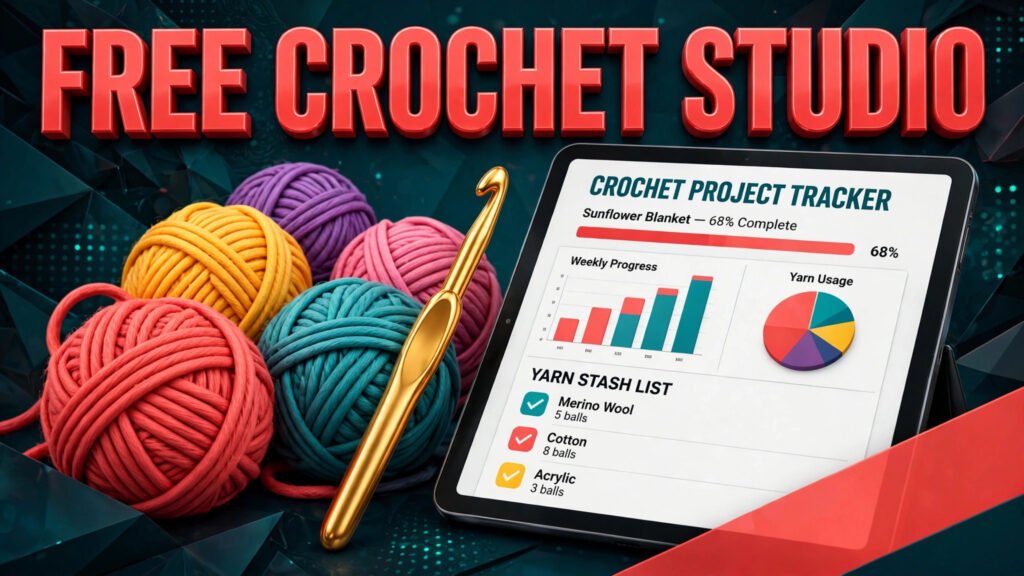
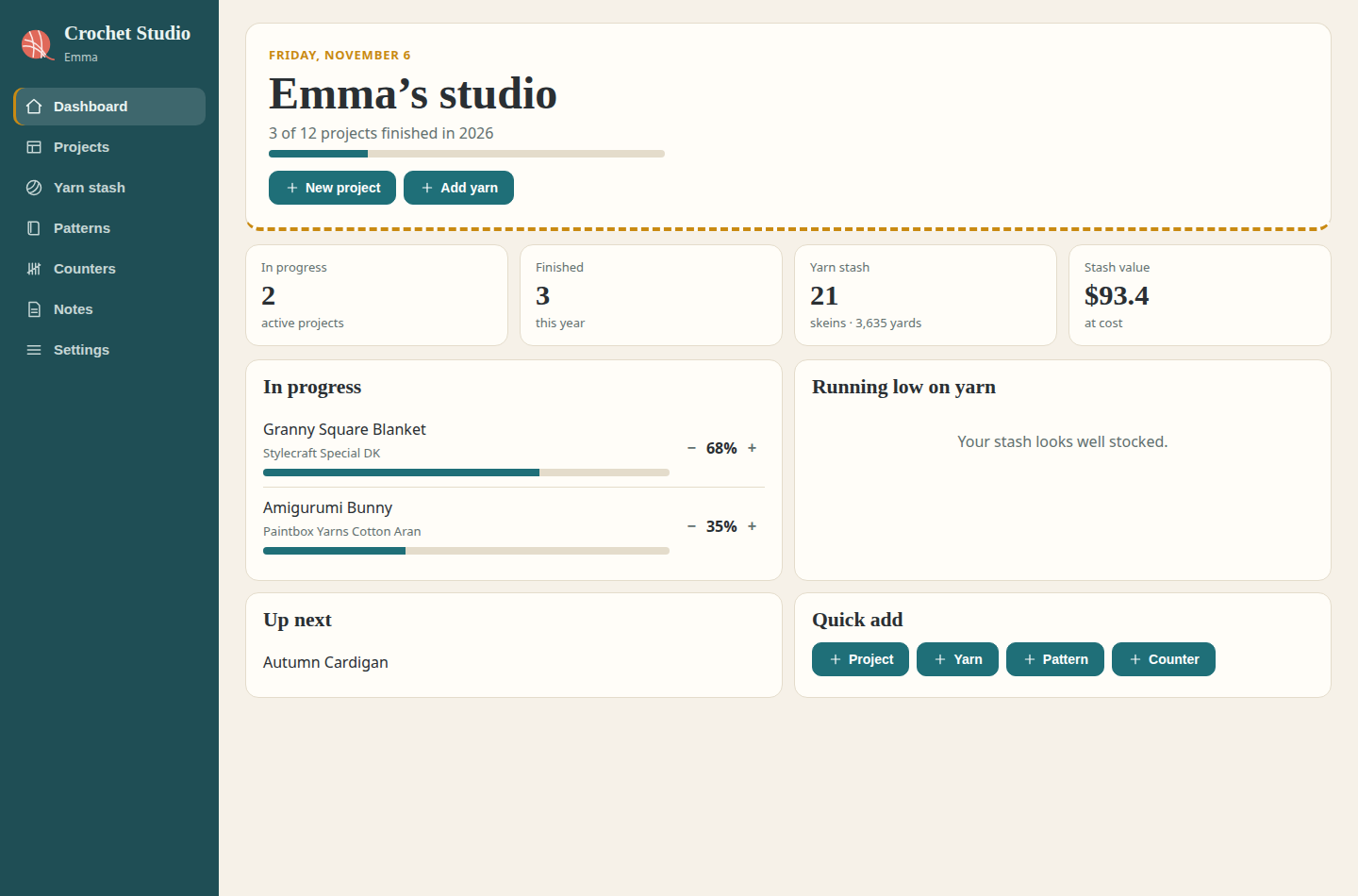
This free crochet studio is a complete online crochet planner and project tracker that keeps your crochet projects, yarn stash, pattern library, row counters and notes in one calm dashboard. Instead of scattered notebooks, phone photos and sticky notes, you get one crochet organizer that shows what you are making, what you have finished, how much yarn you own and what to work on next, with a yearly goal that counts your finished crochet projects for you.
What can you do with this crochet dashboard?
- Crochet project tracker: track every work in progress (WIP) with its pattern, hook size, yarn, start date and a progress bar. Move projects from idea to queued, in progress and finished, and watch your finished count grow towards your yearly goal.
- Yarn stash inventory: catalogue your yarn stash by brand, colour, weight, fibre, skeins and yardage, with the storage spot for each yarn and the total value of your stash worked out automatically. No more buying yarn you already own.
- Pattern library: keep your crochet patterns in one list with the designer, whether the pattern was free or paid, its difficulty level, a link, and whether it is on your to-make list, being made, or already made.
- Row counters: run simple counters for anything you count while you crochet, like blanket squares, sleeves or rows, each with an optional target so you always know how far you have to go.
- Crochet notes: one free-form page for modifications, gift lists, craft fair plans, yarn shopping lists and ideas for your next crochet project.
How do you use this crochet studio?
- Click the Launch Studio button above to open the studio, then open Settings and add your name and your goal for how many crochet projects you want to finish this year.
- Add your current projects with their status and progress, so the dashboard shows your WIPs honestly at a glance.
- Add your yarn stash skein by skein, with colours, weights and where each yarn is stored.
- Save your favourite patterns to the library and mark the ones you plan to make next.
- Create a counter whenever you start counting rows, squares or repeats, and tap it up as you crochet. Download a backup from Settings now and then to keep your studio safe.
Does this crochet planner save your data?
Yes. This online crochet studio saves everything automatically in your own web browser using local storage, so your projects, yarn stash, patterns and counters are exactly as you left them when you come back on the same device, with no account and no password. Your crochet data is never sent to a server, which makes this a genuinely private crochet organizer. In Settings you can download a backup file of your whole studio, or restore it later on another device.
Crochet tips to finish more projects
- Keep your WIP list honest: if a project has not been touched for months, mark it honestly and decide whether to finish it or frog it. A short, true list is more motivating than a long guilty one.
- Work one main project at a time: keep one big project and one small portable project going. Everything else stays queued, which makes finishing feel achievable.
- Log yarn the day you buy it: two minutes of logging saves you from buying a duplicate skein later, and your stash value stays accurate for insurance and budgeting.
- Count as you go: start a counter the moment a pattern asks you to repeat rows or squares. Future you, picking the project up after a break, will be grateful.
- Sell your makes? If you sell crochet at markets or online, pair this studio with our Etsy Fee Calculator to price your work properly, and try the Wedding Planner dashboard if a wedding is the next big project on your list.
Is this crochet studio really free?
Yes, this crochet studio is completely free, with no sign-up, no subscription, no locked sections and no limit on projects, yarn, patterns or counters. Every part of the crochet dashboard, including the project tracker, yarn stash inventory, pattern library, row counters, notes and data backup, is free to use for as long as you crochet.
Do you need an account to use this crochet project tracker?
No. There is no account, email address or password. The crochet studio works straight away in your browser and saves your crochet data on your own device. If you crochet on more than one device, download a backup file from Settings on the first device and import it on the second device to move your studio across.
Can you use this crochet planner on your phone?
Yes. This free crochet planner app is fully responsive and works on phones, tablets and computers. On a phone, the studio sections sit in a simple bar at the top, so your projects, stash and counters are always one tap away, on the sofa, at the yarn shop or at a craft fair.
What is the difference between a crochet tracker app and a notebook?
A notebook stores lists, but it cannot add anything up. This crochet studio does the maths for you: your stash value, skein totals, finished project count against your yearly goal and counter progress all update automatically, and your patterns, projects and yarn are searchable and editable instead of crossed out and rewritten.
More free dashboards to try
Love a good dashboard? If you sell your makes, the Shop Profit Dashboard shows what you really keep after fees, costs and expenses. For calmer, more organised days, the Focus Dashboard is an ADHD-friendly daily planner with a top-3 list, routines and a focus timer. And if a wedding is coming up, the Wedding Planner keeps the checklist, budget and guest list together in one free dashboard.